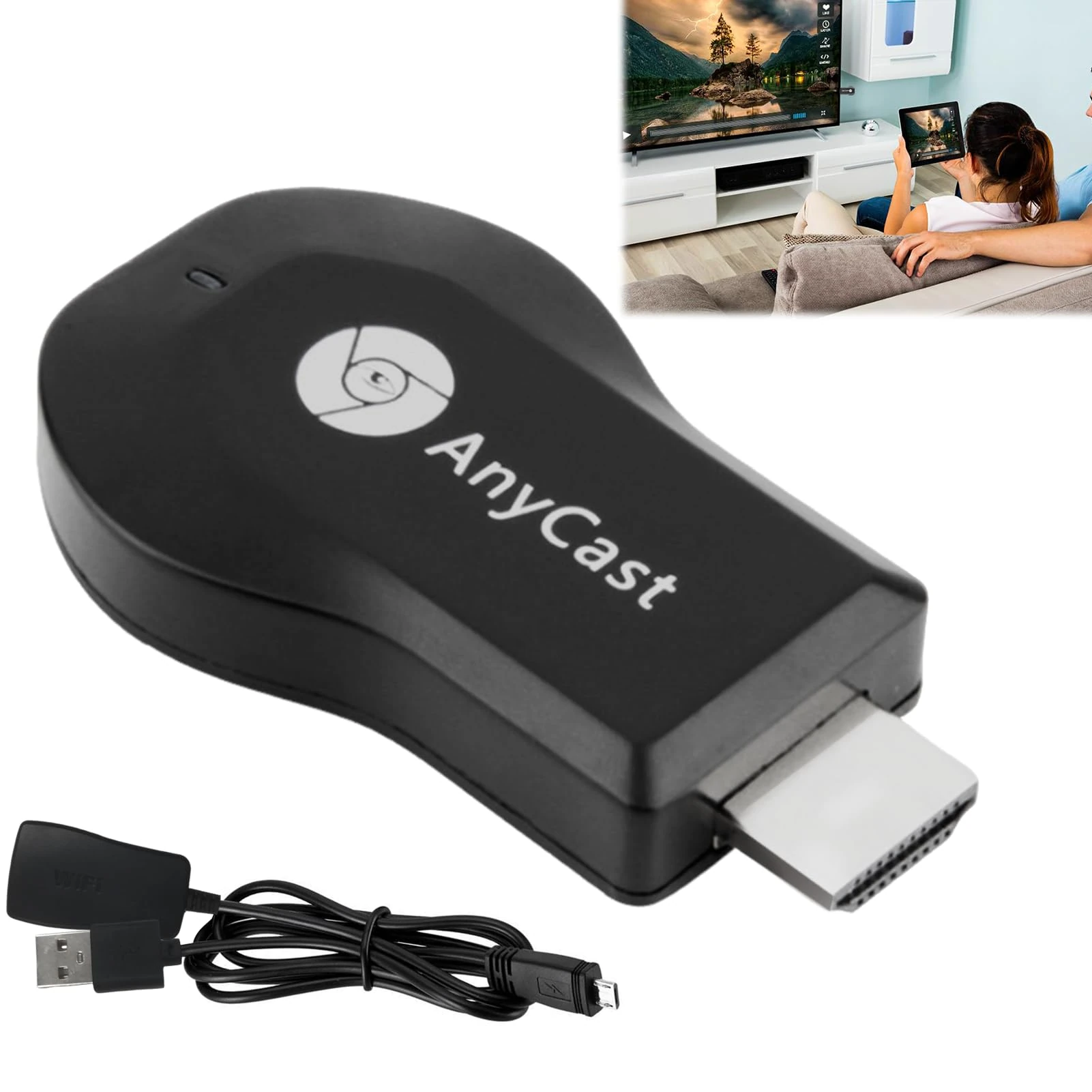
£15.99

Dongnesi 4K Wireless Display Adapter for TV, 1080P Wireless Display Adapter, Chromecast Miracast Dongle with Operation Instruction, HDMI Streaming Mirror Screen Video Compatible with AirMirror Airplay Miracast

Black, Chromecast

Price data last checked 130 day(s) ago - refreshing...

View at Amazon

We'll watch every seller, every day. One email when your price arrives.

This is the usual price. Wait for it to drop, or tell us your number.

£16 today · usual range £0–£0 · best ever £10

NEW HERE?

Amazon shows you one price. We show you all of them.

Tosheroon watches Amazon prices so you don't have to. Every product on Amazon has a price history — we make it visible. Set the price you'd actually pay, and we'll email you the second it gets there. No app, no account, one email.

WHAT'S ON THIS PAGE

↓ Price chart
when this has been cheap or pricey
↓ Forecast
where the price is heading next
↓ Statistics
all-time high & low, recent range
↑ Price alert
name your number, we'll email you

Price History & Forecast

Grey patches = out of stock. Cheaper = lower on the chart. Hover for exact prices.

Last 151 days • 151 data points (No recent data available)

Historical
Generating forecast...
£16.50 £9.23 £10.82 £12.40 £13.99 £15.57 £17.16 01 September 2025 08 October 2025 15 November 2025 22 December 2025 29 January 2026

Price Distribution

Price distribution over 151 days • 7 price levels

Days at Price
Current Price
13 days 26 days 8 days 8 days 13 days 82 days · current 1 day 0 21 41 62 82 £9.89 £9.99 £13 £14 £15 £16 £17 Days at Price

Price Analysis

Most common price: £16 (82 days, 54.3%)

Price range: £9.89 - £17

Price levels: 7 different prices over 151 days

Description

Package Includes: 1PCS ,4K/1080P Screen Mirroring Wireless Display Adapter for TV Color: Black Introduction: 1. This wireless HDMI dongle can seamlessly integrate with IOS, Android, Mac, and Windows. It is compatible with various popular devices such as iPhone iPadMacBook Samsung, Huawei devices, laptops, and PCs. 2. Our screen sharing device can be used as long as the TV (projector) has HDMI, and most LCD TVs (projectors) have high-definition interfaces. Both the picture and sound will be displayed on the TV, and the sound will be emitted from the TV speaker. The volume can be controlled using the TV remote control and phone volume keys. 3. You can use our screen sharing device even without internet connection, as long as you plug in the device, you can share the same screen. It is suitable for Apple systems 8.0 and above, 4S and above, IPAD2 and above, MAC systems 10.8 and above, Android systems 4.2 and above, and has screen mirroring function (usually check whether there is multi screen interaction, screen sharing, screen mirroring, etc. in the settings). 4. The wireless HDMI adapter supports new iOS and Android systems. In the future, when the system is upgraded, the same screen device will automatically upgrade as long as it detects the new version of software when connected to WIFI Level, the first successful connection may result in a system upgrade. Do not disconnect the power and network, wait for the software upgrade to succeed and restart. Kind Suggestion: 1. Keep the distance between the mobile phone and router within 3 meters, the closer the better, especially when watching videos (be sure not to use walls). 2. The WIFI signal must be good, and changing the channel of 5G or router to 6 can solve most of the interference. 3. Set up several apps or mobile phones to compare, different video software can also effectively meet the above conditions, which can greatly improve the usage effect. Note: Please use the Apple camera to scan the QR code or use the system's built-in browser to scan the code or download MAXSCREEN from the Google Store. If you encounter any operational problems, please contact us immediately. Operation steps for iOS system: Method 1: for iOS directly connect (This is no need WiFi. If you are using the device while connected to WiFi, please refer to Method 2) 1. Click the WIFI in the setting page,then find the hotpot of AnyCast-xxCast to connect the device. (For example: AnyCast-xxxxxx, fixed password:12345678) 2. Slide the screen into the Apple Device Control Center. Click on the screen image and check the 2in1 Cast device. Note: If the Apple device not connect the WiFi, can only mirror loocal data or use the operating network to access the Internet. Method 2: iOS system connect the router 1.Click the WiFi in the setting page, then find the hotpot of AnyCast-xxxx to connect the device (If you have used method 1 to connect, please exit "Mirror image") 2.Open browser, input 192.168.49.1 and enter the setting page. Click the WIFIAP->Click Scan->Choose home WIFI->Input the home WIFI password (Password must not be entered incorrectly) 3.Slide the screen into the Apple Device Control Center. Click on the screen image and check the AnyCast-xxxxxx device. (Note: Open the video app and click the "Cast Screen" button to cast the app video to the big screen without affecting other operations on the phone.) Operation steps for Android system: Method 1: Android system directly connect Open the projection function of mobile/tablets, search and connect AnyCast-xxxxxx device Projection function path for different device for Huwei: Drop-down menu-wireless projection/multi-screen interaactive for Millet: Setting-more ways to link--wireless display for VIVO: Setting-more ways to link-wireless display for OPPO: Setting-more ways to link--wireless display/multi-screeninteractive for MEIZU: Setting-display-projection screen for Lenovo: Setting-display-wireless display for Samsung: Slide the mobile from top to bottom--Smart View for SMARTISAN: Wireless network-wireless display for Nubia: Screen projection Method 2: for Android system connect the router 1. Click the WIFI in the setting page,find the hotpot of AnyCast-xxxxxxxxx to connect the device (If use the method 1 to connect, pls exit the "Miracst". That is, press Reset button for 3 second) 2. Find the browser, input 192.168.49.1,and enter the setting page. Click the WIFIAP->Click Scan->Choose home WIFI->Input the home WIFI password (Password must not be entered incorrectly) 3.After completing above settings, open the video App, click the "Cast Screen" button to cast the app video to the big screen. Does not affect other operations of the phone.

Key Features

[Chrome Cast for TV] Wireless HDMI display adapters supports high-definition resolutions up to 1080P, bidding farewell to blurry images. It is easy to directly mirror and stream photos, videos, broadcasts, music, office documents, real-time cameras, online chats, movies, games, etc. from smartphones, tablets, or laptops onto televisions or projectors. (Note: Not applicable to Google home and Chromecast. Applicable to all models except Googl e devices. Please verify before purchasing)

[Wireless HDMI Dongle] Our wireless HDMI dongle adapter is compatible with most IOS, Android, Mac, and Windows systems, including iPhone one iP-adMac BookSam-sungHuawei Laptops, PCs, etc. The WiFi display adapter supports Miracast/Airplay/LNA modes. (Note: Please use the Apple camera to scan the QR code or use the system's built-in browser to scan the code or download MAXSCREEN from the Google Store)

[Miracast] Setup/Connection on Windows Devices:Miracast mirroring (available for Windows 8.1 and Windows 10). Step 1: Press the button on the side of the dongle for switching to Miracast mode. Step 2: Press short key “Win+P” on your keyboard. Step 3: Select “Connect to a wireless display”. Step 4: Select MiraScreen device to connect.Now your Windows device will be casted on your big screen now. If you encounter any operational problems, please contact us immediately

[Wireless Display Adapter] The WiFi HDMI adapter connector is designed to be easy to use and enables simple plug and play operation. TV casting device does not require applications or drivers. Connect and corner within a few minutes. Equipped with an instruction manual for your convenience

[Chromecast Device for TV] Just connect it to the TV and power it up to find the mirroring function on the device for projection. Identify your IP address and automatically match it with your local language, designed to be friendly. During the use process, if you encounter any problems that cannot be solved, you can consult us at any time. We are online 24 hours a day to provide you with services

Product Specifications

Similar Products You Might Like

Dongnesi Adapter - 4K Miracast & AirPlay DLNA for iPhone, Android
99% match

Dongnesi Adapter - 4K Miracast & AirPlay DLNA for iPhone, Android

Dongnesi
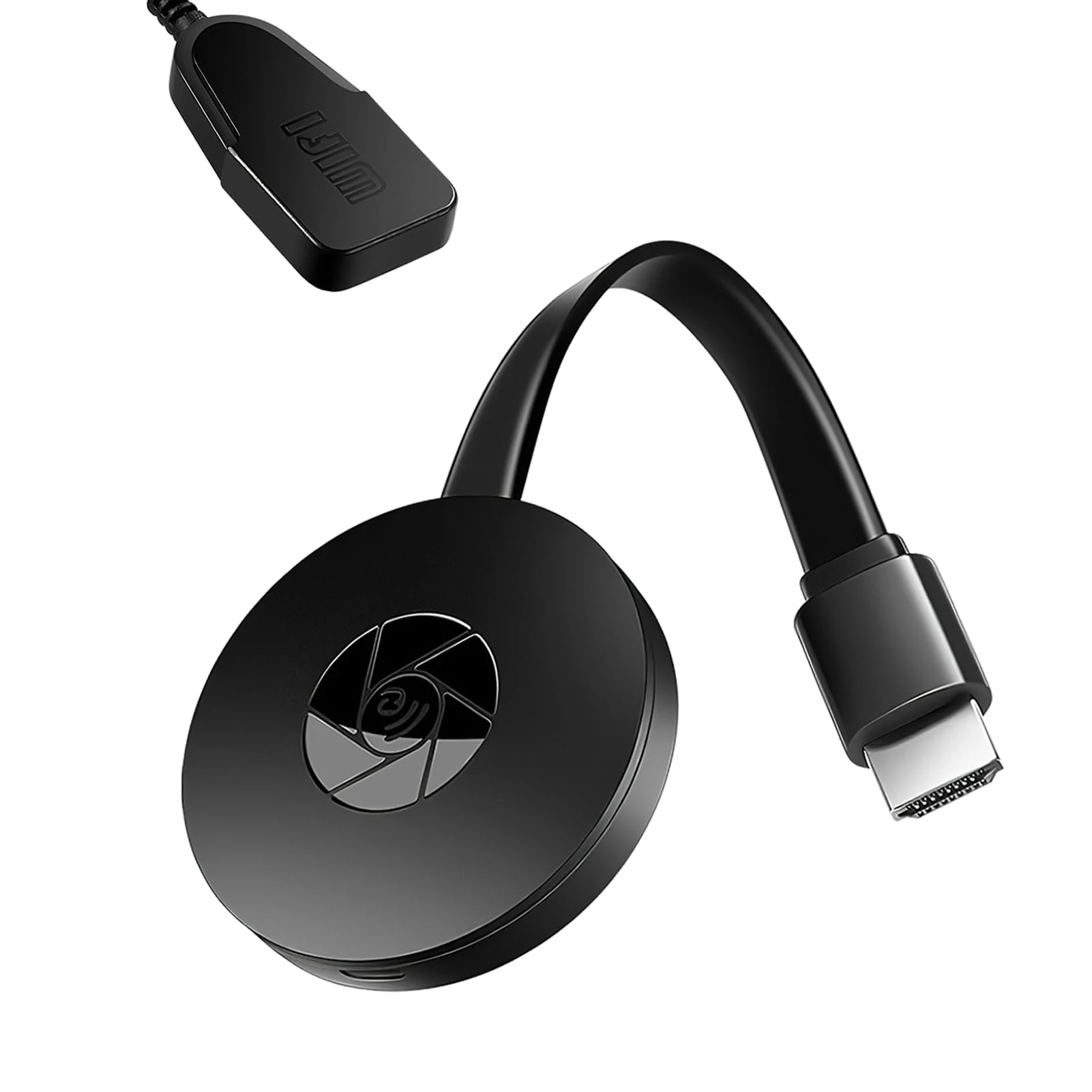
£7.89 07 Feb 2026
SELURK 4K HDMI Adapter - Miracast DLNA AirPlay for Android & iOS
98% match

SELURK 4K HDMI Adapter - Miracast DLNA AirPlay for Android & iOS

SELURK
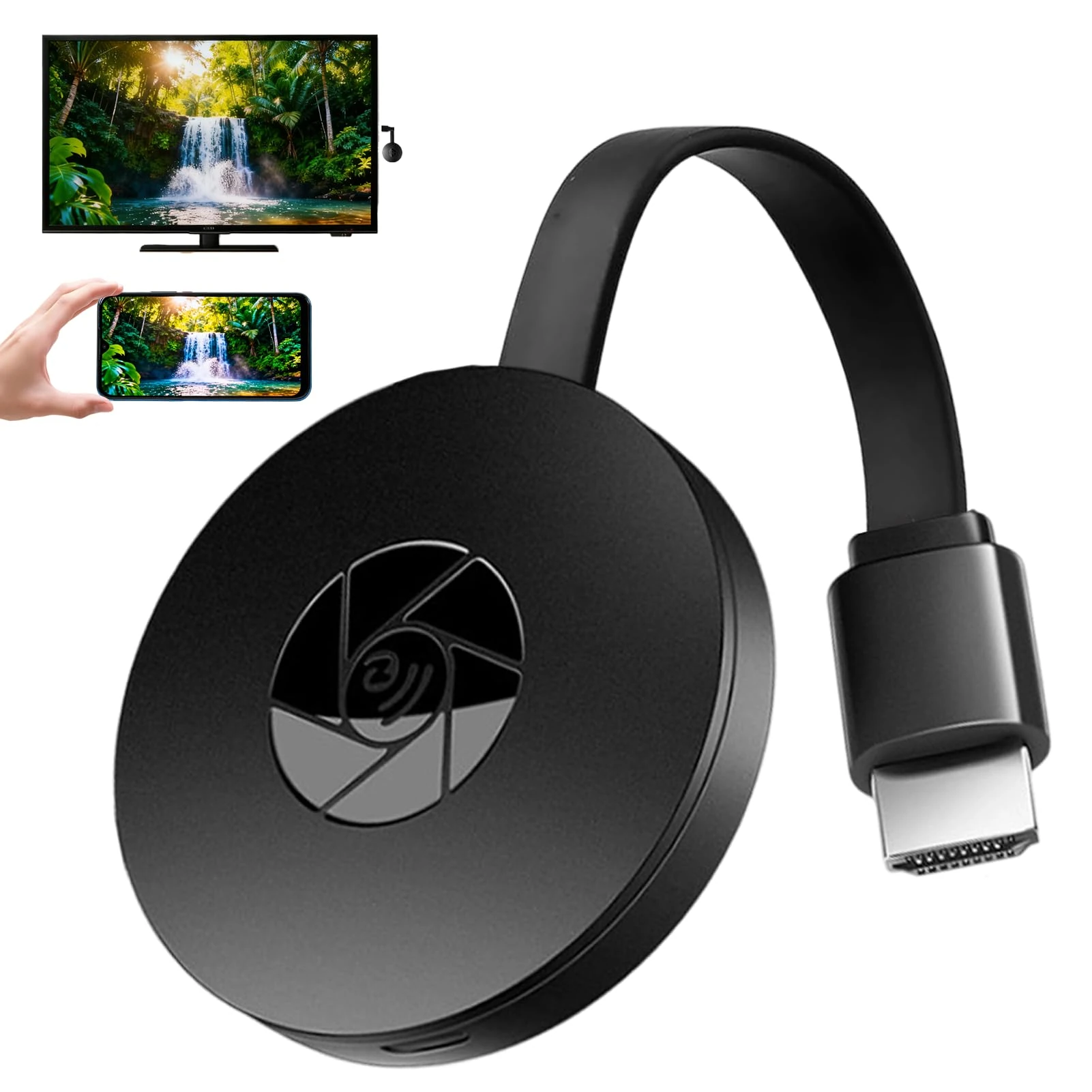
Out of Stock 06 Feb 2026
Chromecast Google Chromecast Device for TV Wireless Display Dongle Adapter for iPhone Android Windows, 1080P Wireless HDMI Screen Mirroring Projector Support DLNA/AirMirror/Airplay/Miracast
96% match

Chromecast Google Chromecast Device for TV Wireless Display Dongle Adapter for iPhone Android Windows, 1080P Wireless HDMI Screen Mirroring Projector Support DLNA/AirMirror/Airplay/Miracast

Paicreate
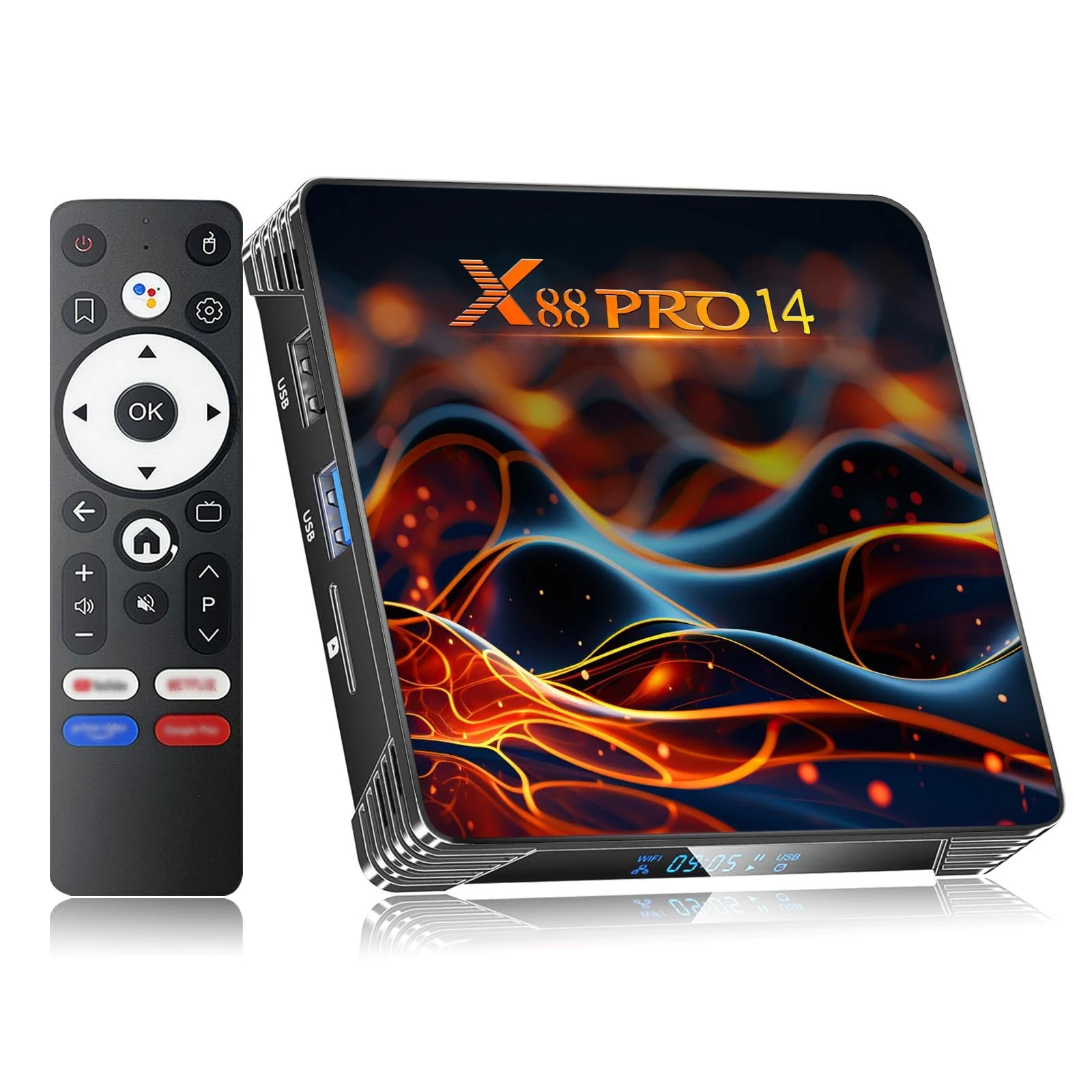
£13.56 05 Feb 2026
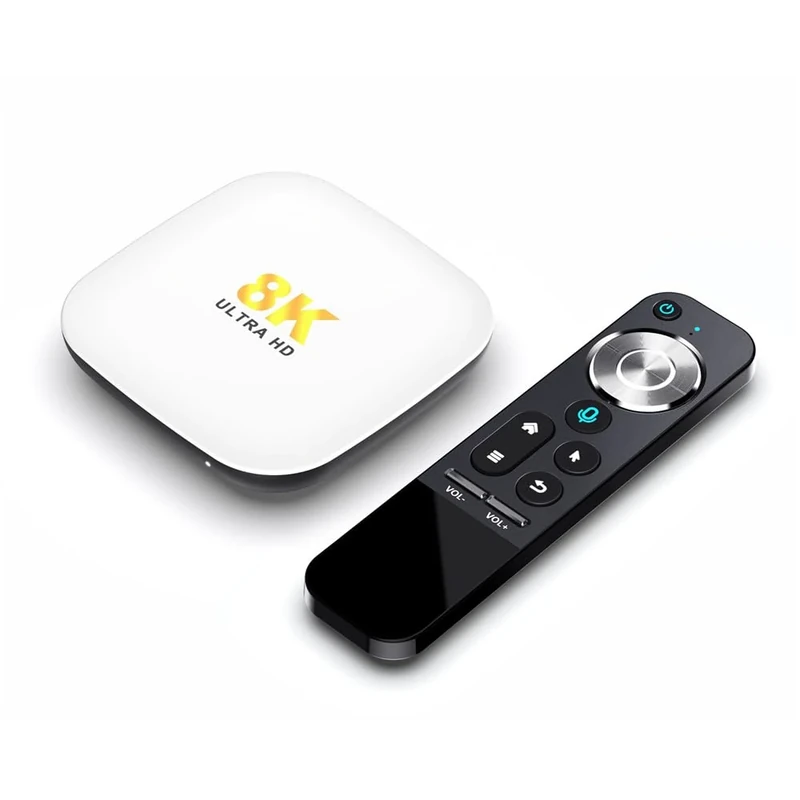
EASYTONE Android 14 TV Box 2GB/16GB - RK3518 4K WiFi 6 HDR10+
96% match

EASYTONE Android 14 TV Box 2GB/16GB - RK3518 4K WiFi 6 HDR10+

EASYTONE
Out of Stock 06 Feb 2026
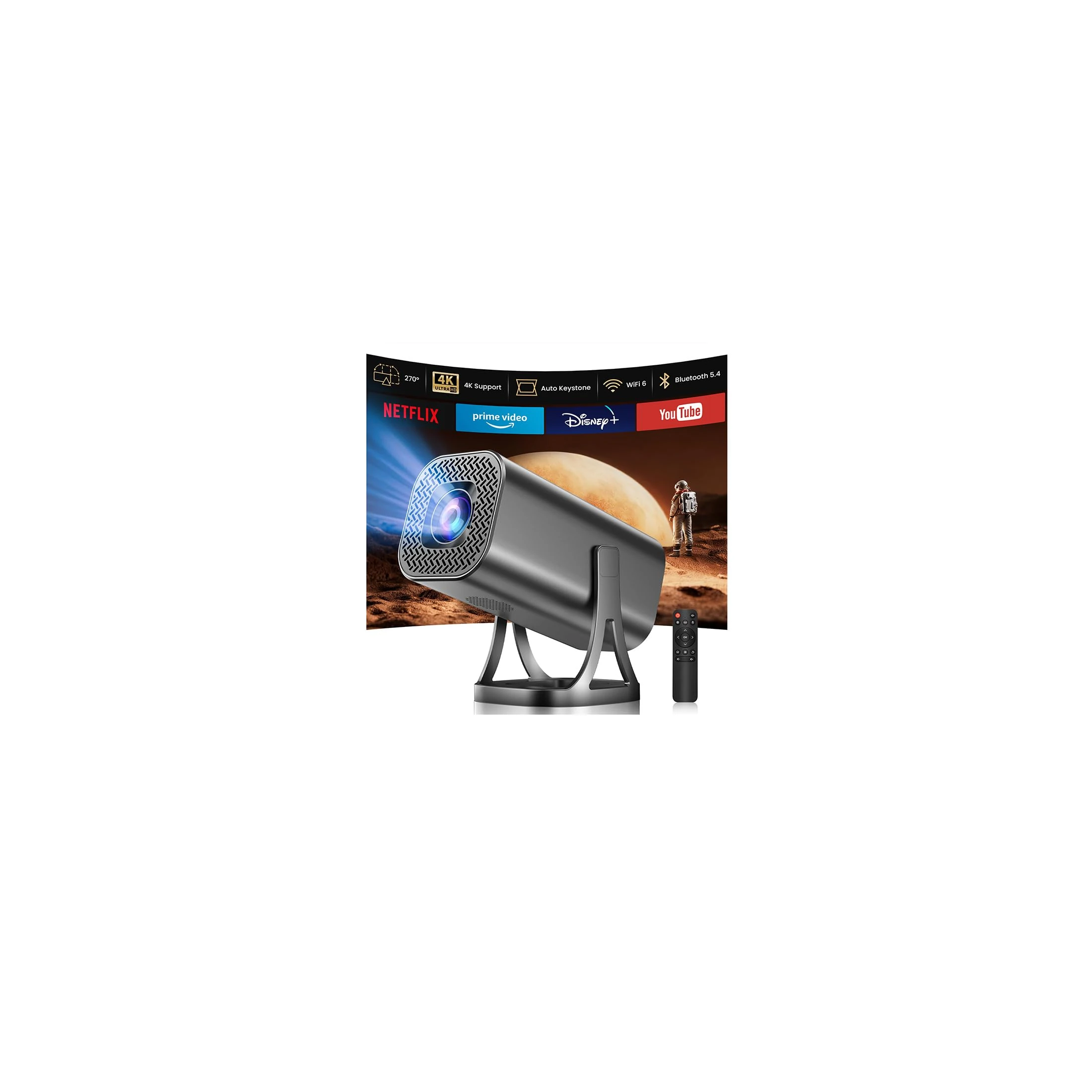
Android 13.0 TV Box,H96 Max M2 4GB RAM 64GB ROM RK3528 Quad-Core WiFi6 Dual Band 2.4G/5.8G Ethernet 1000M BT5.0 8K HDR10+ Ultra HD USB3.0 Smart Home Player
96% match

Android 13.0 TV Box,H96 Max M2 4GB RAM 64GB ROM RK3528 Quad-Core WiFi6 Dual Band 2.4G/5.8G Ethernet 1000M BT5.0 8K HDR10+ Ultra HD USB3.0 Smart Home Player

X88
£51.99 06 Feb 2026
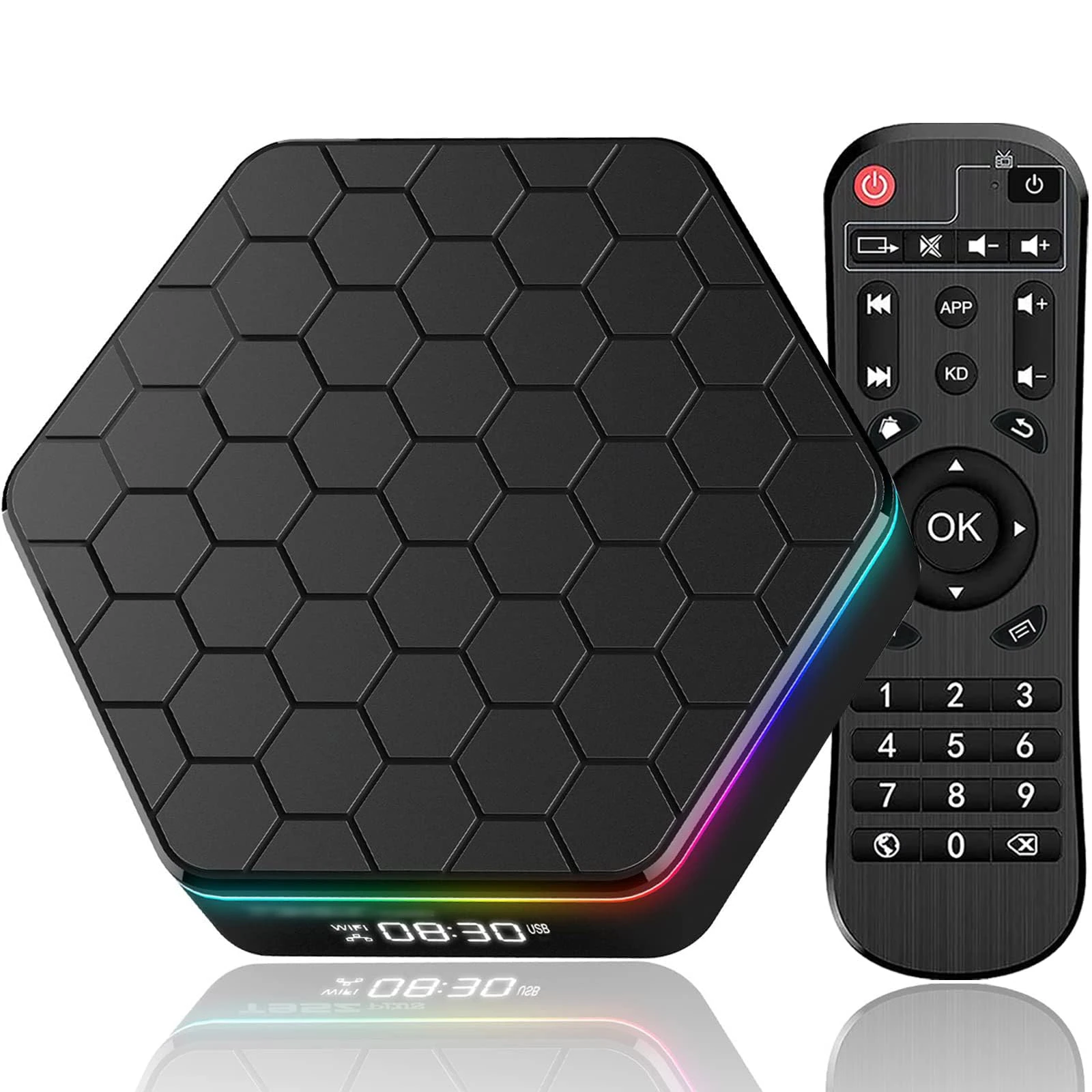
Finade Mini Projector 1080P 4K - 260 ANSI Lumen, WiFi 6, 200" Screen
96% match

Finade Mini Projector 1080P 4K - 260 ANSI Lumen, WiFi 6, 200" Screen

finade
Out of Stock 09 Feb 2026
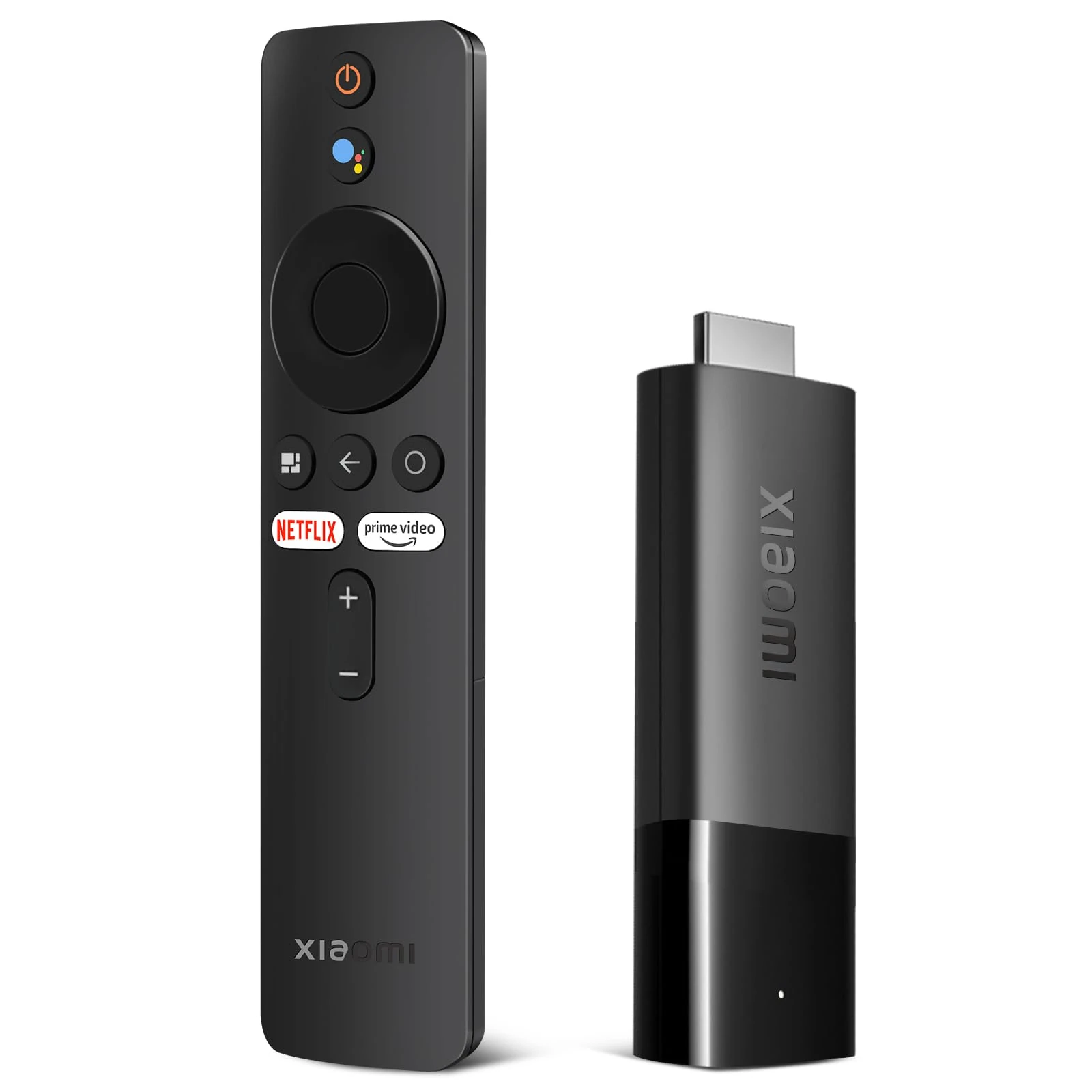
2025 Android TV Box 12.0 4GB RAM 64GB ROM, 6K TV Box Android 4K 6K Wi-Fi 6, Android Box with Allwinner H618 Quad-Core Chip Support Dual-WiFi 2.4G/5G Bluetooth 5.0 3D HDR Ethernet USB Smart TV Box
96% match

2025 Android TV Box 12.0 4GB RAM 64GB ROM, 6K TV Box Android 4K 6K Wi-Fi 6, Android Box with Allwinner H618 Quad-Core Chip Support Dual-WiFi 2.4G/5G Bluetooth 5.0 3D HDR Ethernet USB Smart TV Box

BL
Out of Stock 08 Feb 2026
Xiaomi TV Stick 4K UK Version,Mi Streaming Android TV Stick,Android T V 11 Streaming Device,Built-in Chromecast,IR Bluetooth Remote,Google Vocal Assistant,Compatible with Dolby Atmos and Dolby Vision
96% match

Xiaomi TV Stick 4K UK Version,Mi Streaming Android TV Stick,Android T V 11 Streaming Device,Built-in Chromecast,IR Bluetooth Remote,Google Vocal Assistant,Compatible with Dolby Atmos and Dolby Vision

XIAOMI
Out of Stock 26 Jan 2026
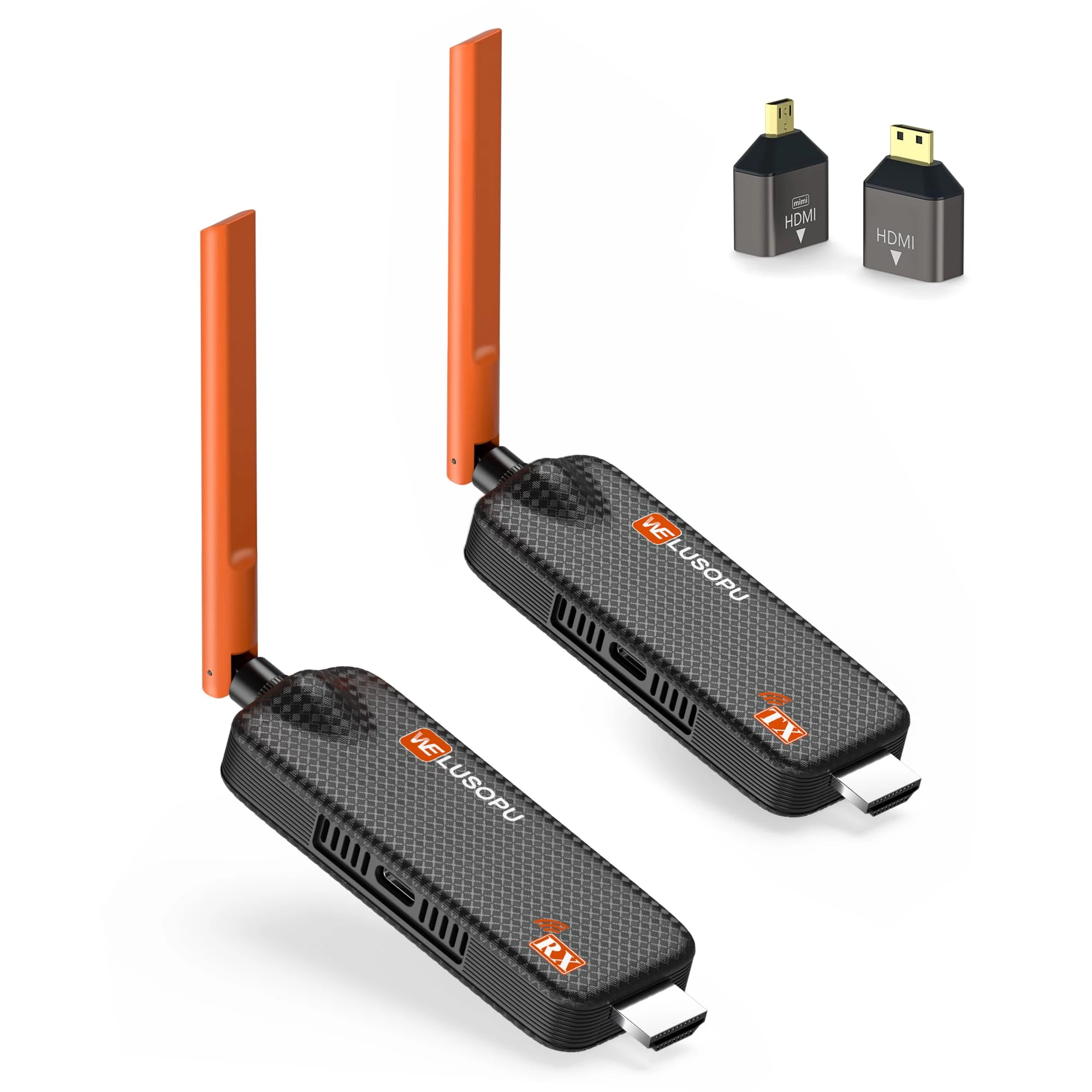
2026 Wireless HDMI Transmitter and Receiver 4K Decoding, Up to 6RX, APP Viewing, 5G/1080P Plug&Play HDMI Extender Streaming Video for Laptop, PC, TV Box, C-CTV to TV, Projector, Monitor - 50M/165FT
96% match

2026 Wireless HDMI Transmitter and Receiver 4K Decoding, Up to 6RX, APP Viewing, 5G/1080P Plug&Play HDMI Extender Streaming Video for Laptop, PC, TV Box, C-CTV to TV, Projector, Monitor - 50M/165FT

WELUSOPU
£99.99 31 Jan 2026
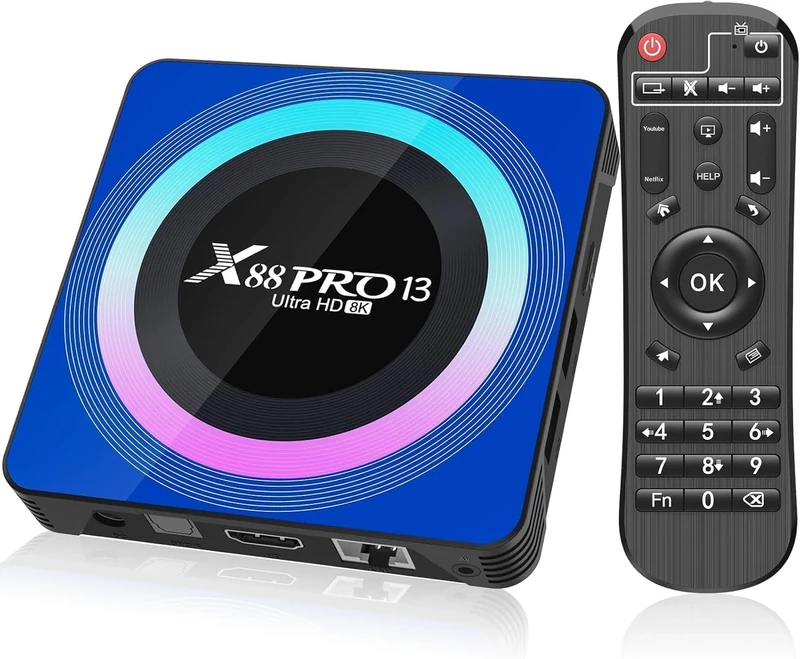
Android TV Box 13.0 Smart TV Box 4GB RAM 64GB ROM 8K Ultra HD Android TV Streaming Media Player 2.4G/5.0G WiFi Bluetooth Quad Core USB3.0 Android TV Box
96% match

Android TV Box 13.0 Smart TV Box 4GB RAM 64GB ROM 8K Ultra HD Android TV Streaming Media Player 2.4G/5.0G WiFi Bluetooth Quad Core USB3.0 Android TV Box

Zeerkeer

£52.99 08 Feb 2026