We can't find the internet
Attempting to reconnect
Something went wrong
Hang in there while we get back on track
£68.01
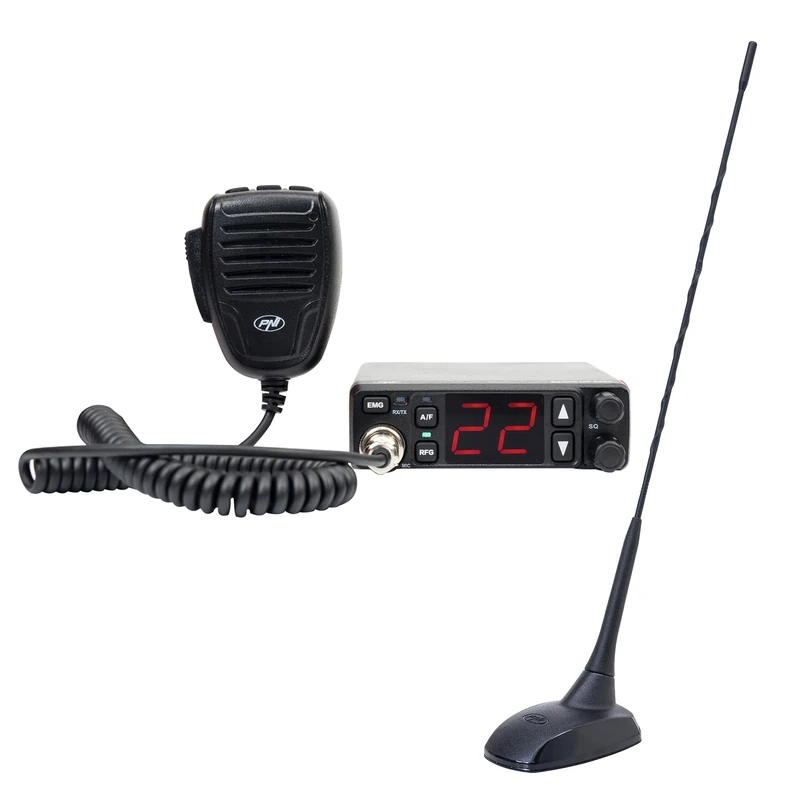
PNI CB radio station kit PNI Escort HP 5500 and CB antenna PNI Extra 48, 45 cm, SWR 1.0, with magnet included
Black, PNI-PACK128
Price data last checked 58 day(s) ago - refreshing...
We'll watch every seller, every day. One email when your price arrives.
About as cheap as it gets. The only time it was cheaper was 2 months ago.
£68 today · all-time low £68 (Jul 2026) · usually the usual
NEW HERE?
Amazon shows you one price. We show you all of them.
Tosheroon watches Amazon prices so you don't have to. Every product on Amazon has a price history — we make it visible. Set the price you'd actually pay, and we'll email you the second it gets there. No app, no account, one email.
WHAT'S ON THIS PAGE
when this has been cheap or pricey
where the price is heading next
all-time high & low, recent range
name your number, we'll email you
Price History & Forecast
Grey patches = out of stock. Cheaper = lower on the chart. Hover for exact prices.
Last 33 days · 33 data points (no recent data)
Price Distribution
Price distribution over 33 days • 2 price levels
Price Analysis
Most common price: £68 (17 days, 51.5%)
Price range: £68 - £72
Price levels: 2 different prices over 33 days
Key Features
The PNI Escort HP 5500 has been designed with simplicity in mind so that everyone can use it without any problems. The high-quality electret capacitor encapsulated in the microphone ensures a clear and powerful sound.
The CB radio transmitter PNI Escort HP 5500 allows the most accurate control over the background noise specific to the CB band. The analog potentiometer adjustable SQ function and 5-stage ASQ allow the user to filter and remove noise, making communication clearer. The 7-stage RF gain function allows control over the reception frequency and reduces distortion.
By adjusting the frequency and modulation, you can use the transmitter in the UK and most countries of the European Union. The PNI Escort HP 5500 is equipped with the most important European bands.
How to change the frequency band: 1. Turn off the transmitter. Press the PTT button + the UP button on the microphone at the same time while restarting the radio station 2. The LED corresponding to the A/F button lights up and the current standard appears on the screen. 3. Press the UP DOWN buttons to reach the desired rate, and then restart the transmitter or press the PTT button to exit the rate setting mode.
+ CB antenna PNI Extra 48
Product Specifications
- Brand
- PNI
- Model
- PNI-PACK128
- Colour
- Black
- ASIN
- B0F7XYKH9H
- Domain
- Amazon UK
- Release Date
- 22 May 2025
- Listed Since
- 22 May 2025
Barcode
No barcode data available
Similar Products You Might Like
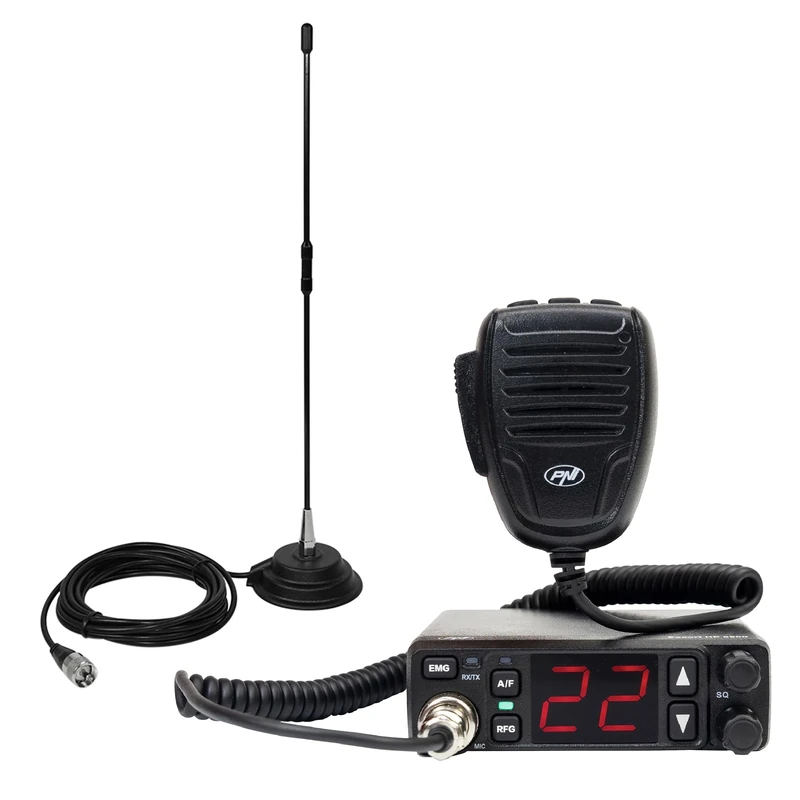
CB radio station kit PNI Escort HP 5500, 4W, 12V/24V, ASQ and CB antenna PNI Extra 40, SWR 1.0, fiberglass, with magnet
PNI
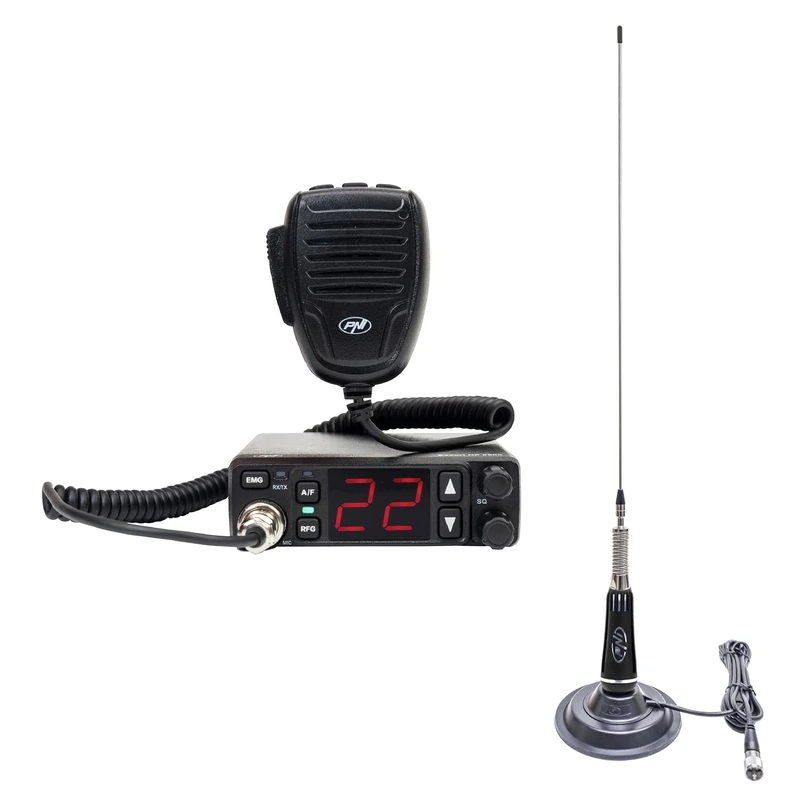
CB radio station kit PNI Escort 5500 with CB antenna PNI LED 2000, 90 cm, 500W, illuminates during transmission, magnetic base included
PNI
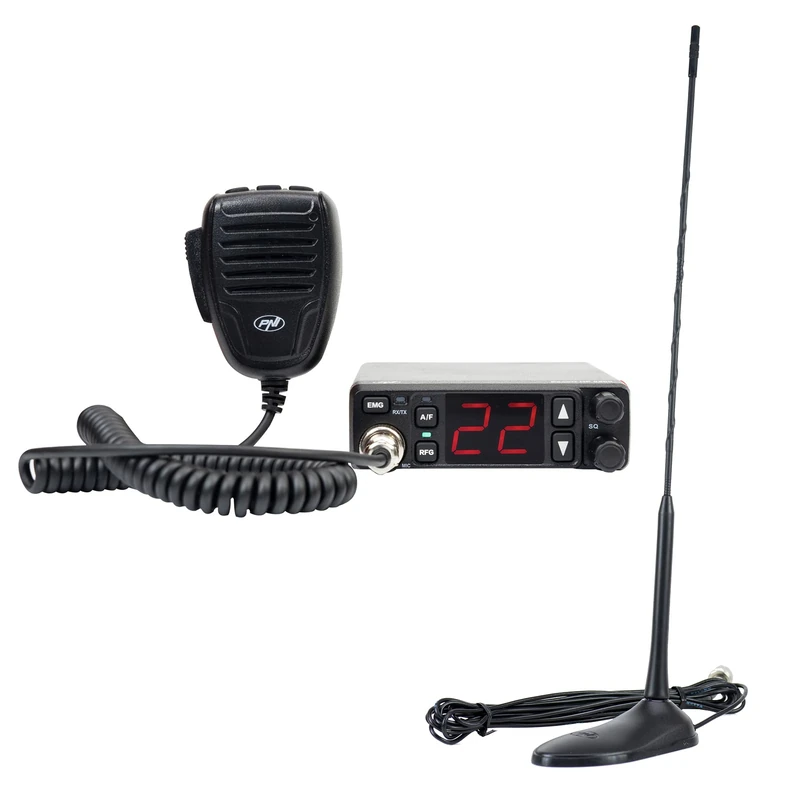
CB radio station PNI Escort HP 5500 and CB antenna PNI Extra 45, 45 cm, SWR 1.0, 26-30MHz, 150W, black
PNI
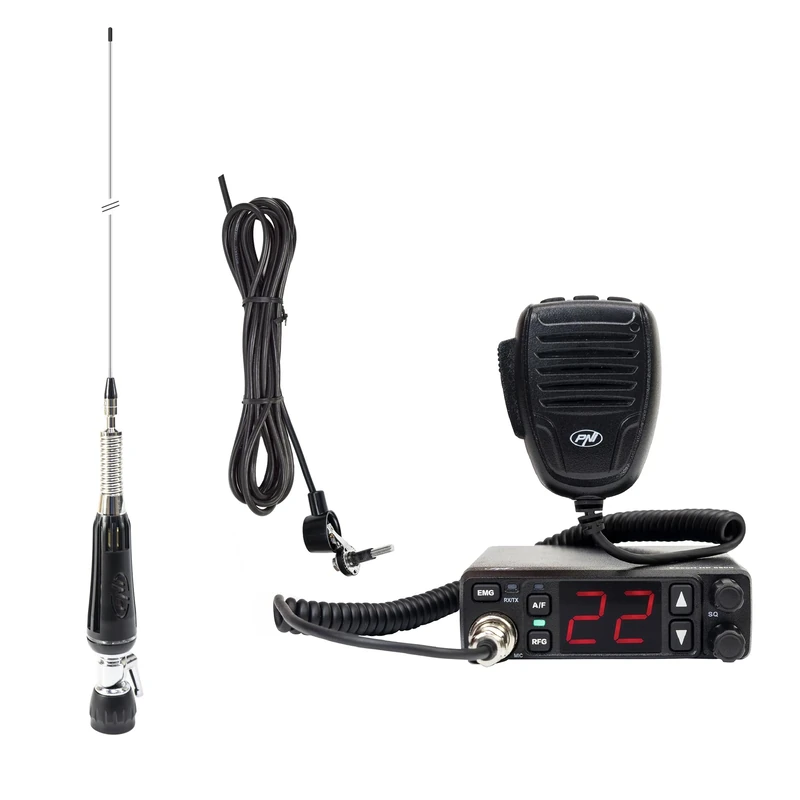
Package CB radio station PNI Escort HP 5500 and foldable CB antenna PNI LED 1000, 80 cm, illuminates during transmission
PNI
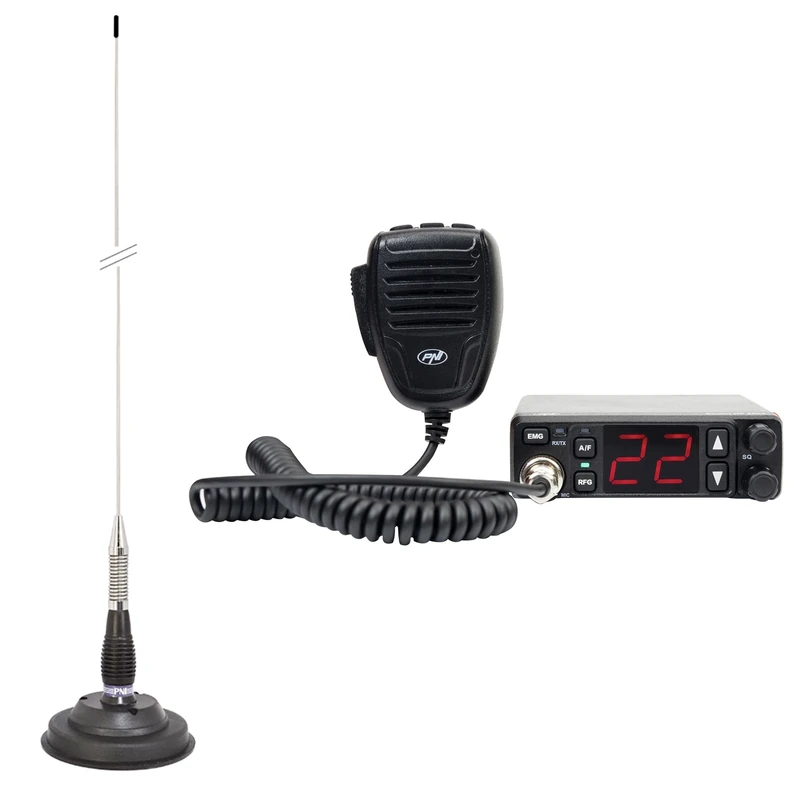
PNI Escort HP 5500 CB Radio and ML100 100cm Antenna Kit
PNI
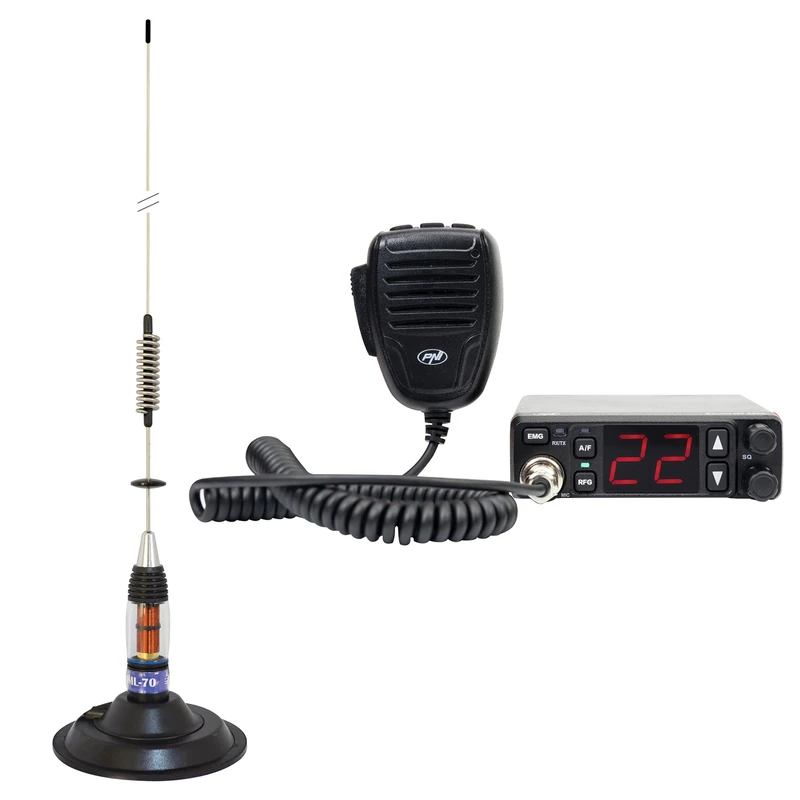
CB radio station PNI Escort HP 5500 with CB antenna PNI ML70, 70cm, with 145mm magnetic base included
PNI
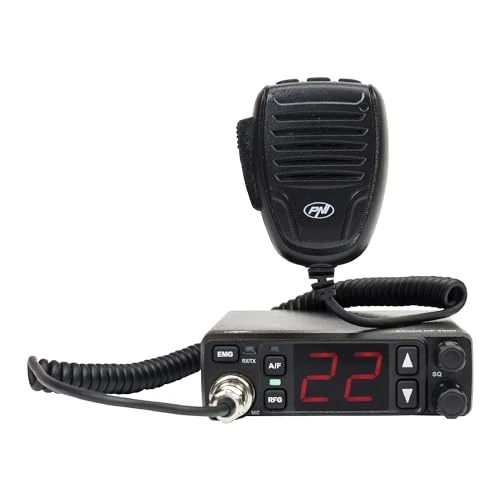
PNI Escort HP 5500 CB radio station, multistandard, 4W, AM-FM, 12V/24V, ASQ, RF Gain, cigarette lighter socket included
PNI
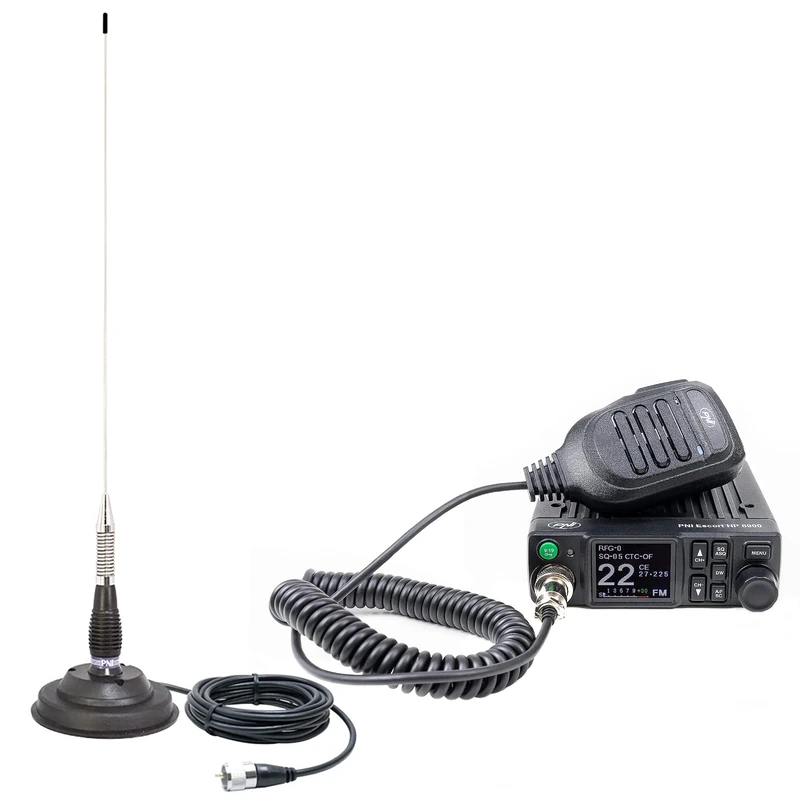
PNI Escort HP 8900 CB Radio, 12-24V + ML100 Antenna with Magnetic Base, Dual Watch, RF Gain, Roger Beep, CTCSS-DCS
PNI
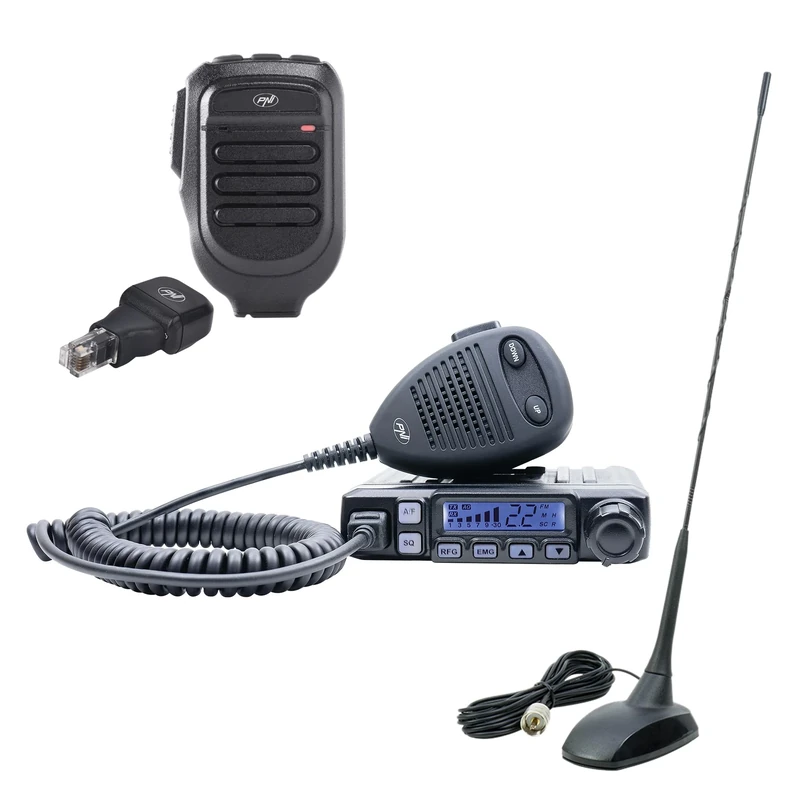
CB radio station kit PNI Escort HP 7120 ASQ with CB antenna PNI Extra 48 and additional microphone Dongle with Bluetooth PNI Mike 65 included
PNI
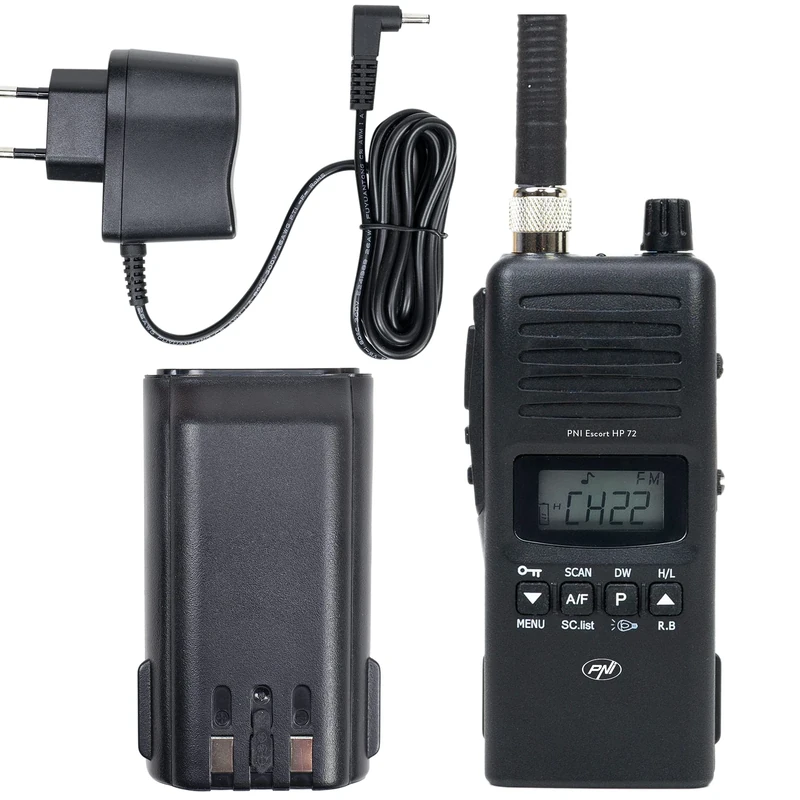
Portable CB Radio PNI Escort HP 72, multi-standard, 4W, AM-FM, 6-level adjustable ASQ, Dual Watch, Scan, Lock, Roger Beep
PNI
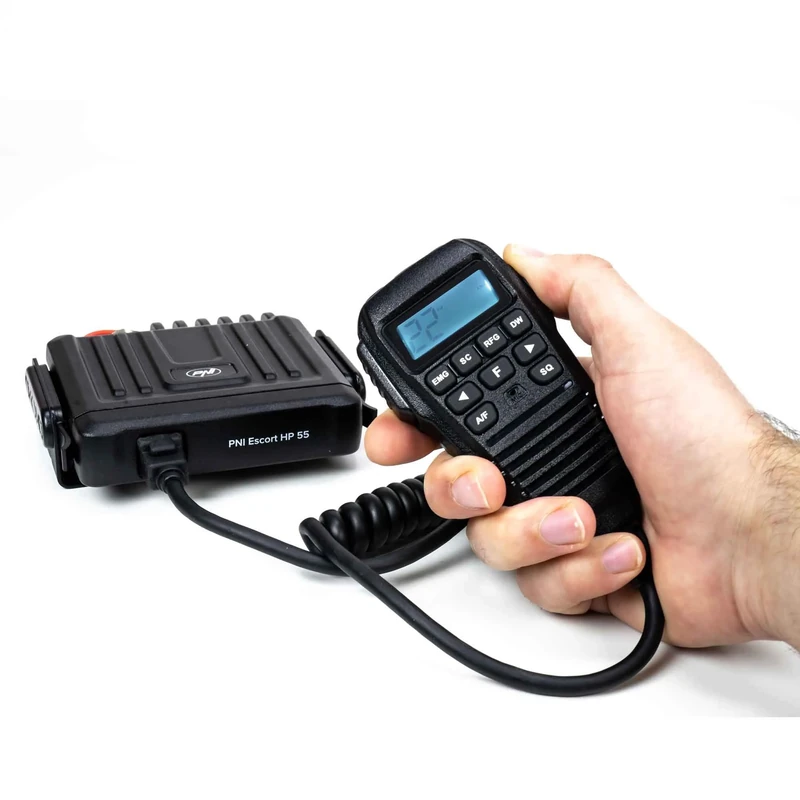
CB Radio PNI Escort HP 55 ASQ, multi-standard, RF Gain, ASQ, adjustable SQ, cigarette lighter plug included
PNI
Price unavailable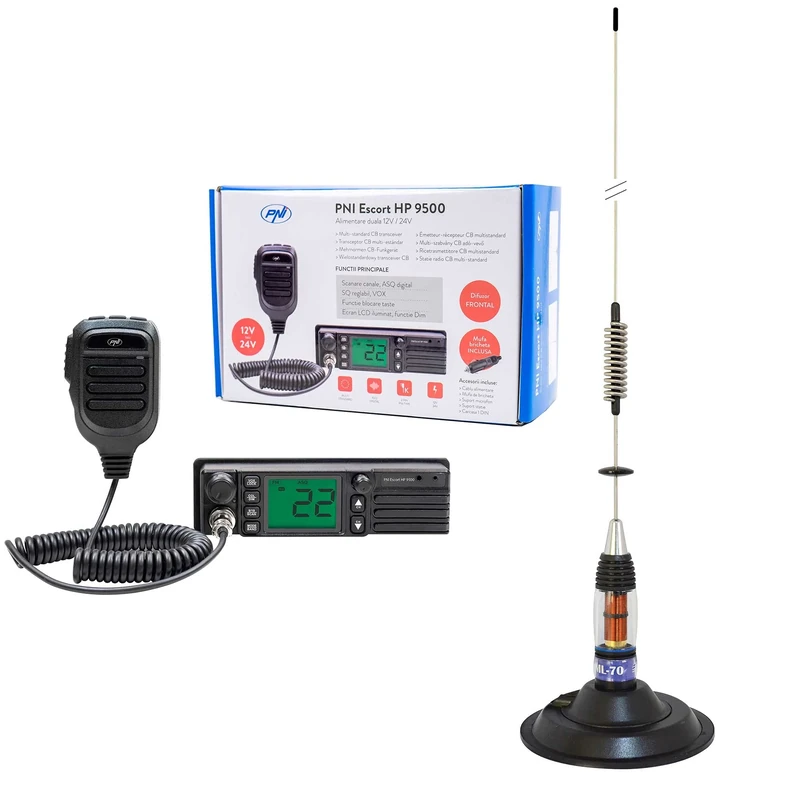
CB Radio PNI Escort HP 9500, ASQ, 12-24V + CB Antenna PNI ML70, 70 cm with magnetic base 145 mm included
PNI
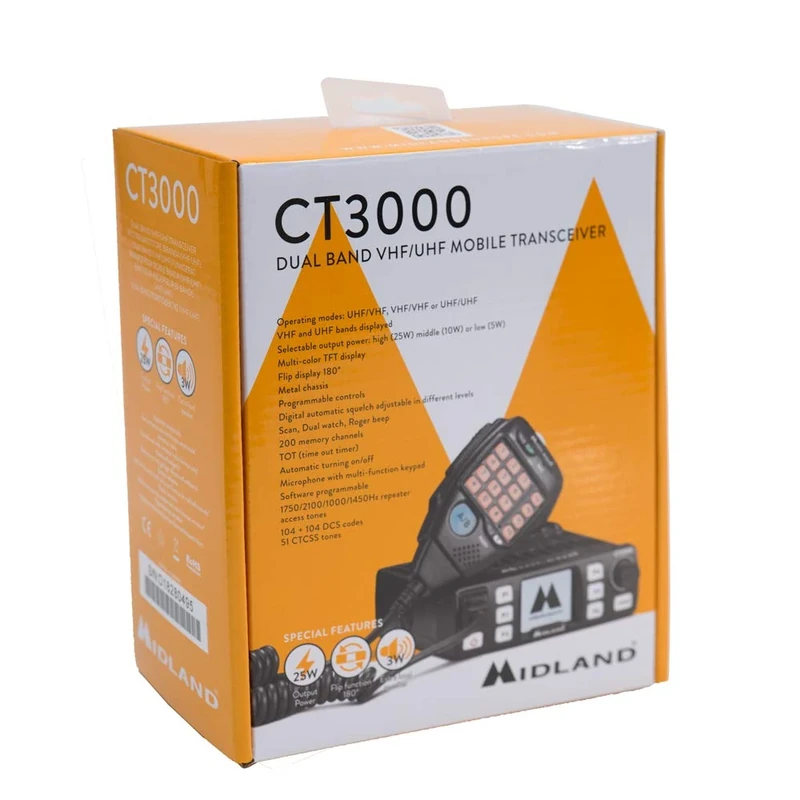
Midland CT3000 CB Radio - Dual Band VHF/UHF Transceiver
PNI
Price unavailable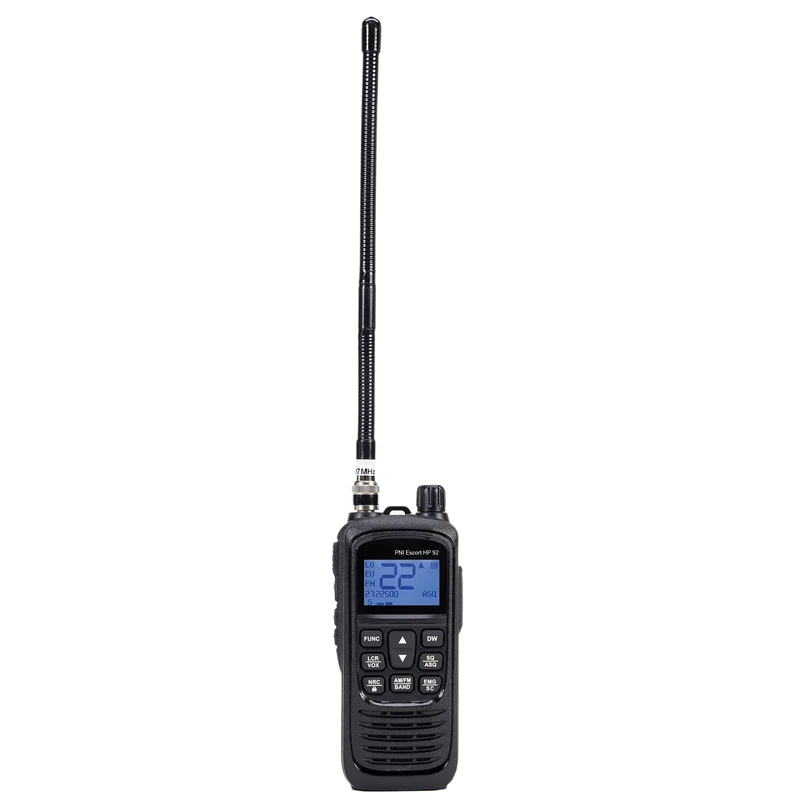
Portable CB radio station PNI Escort HP 92 multi standard, 4W, AM-FM, NRC, Dual Watch, Roger Beep, ASQ SQ adjustable, VOX, 12V-24V
PNI
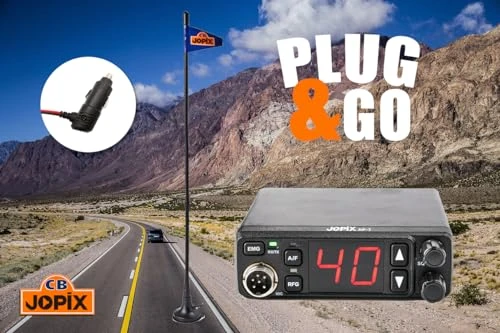
CB Jopix AP-7 radio station kit and CB MAG-7 antenna with magnet included
Jopix
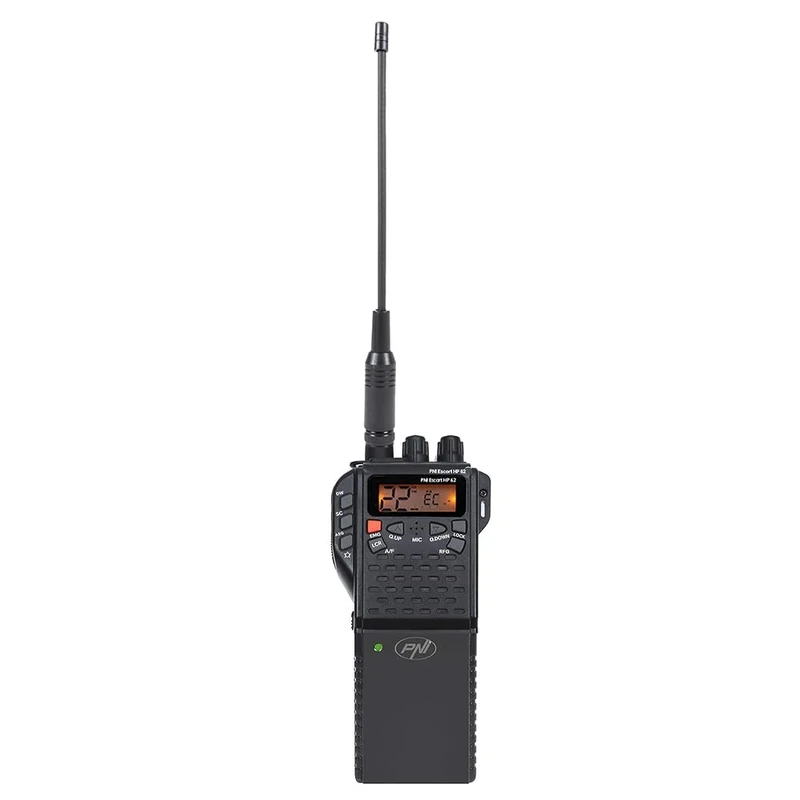
PNI Escort HP 62 CB Radio Station and Accessory Kit
PNI
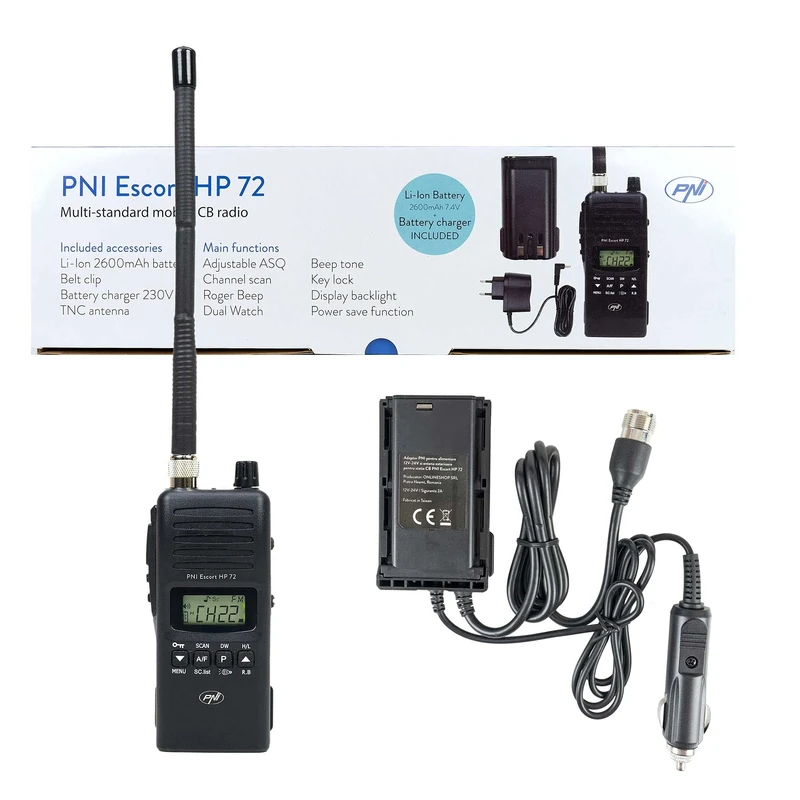
PNI Escort HP 72 Portable CB Radio with Battery and Antenna
PNI
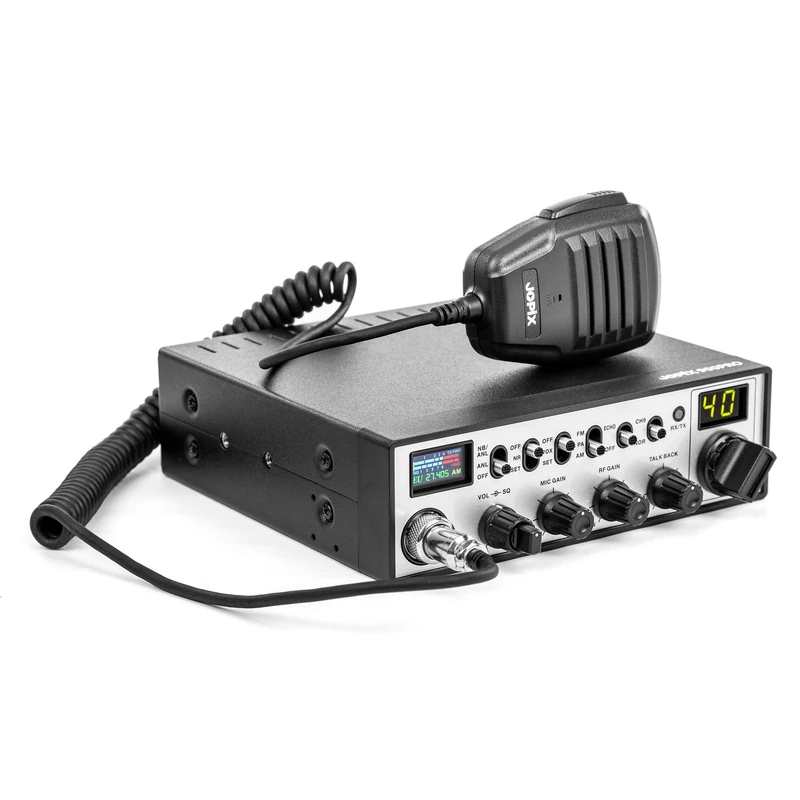
Jopix JOPIX 900PRO CB Radio Station - 40CH AM/FM 4W 12-24V
Jopix
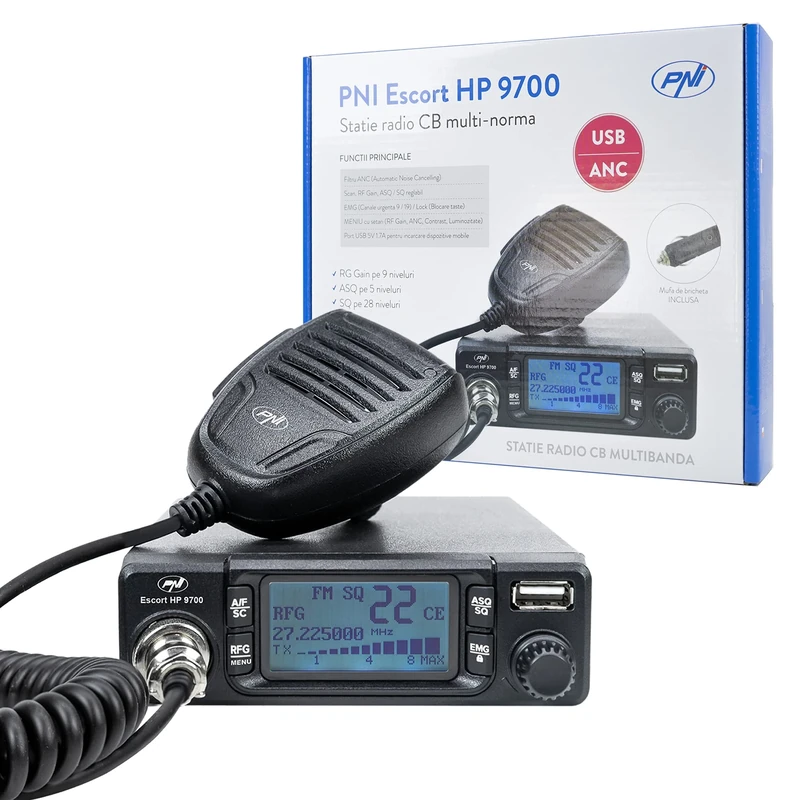
CB radio station PNI Escort HP 9700 USB, ANC, ASQ, 12V / 24V power supply, PA function, cigarette lighter plug included
PNI
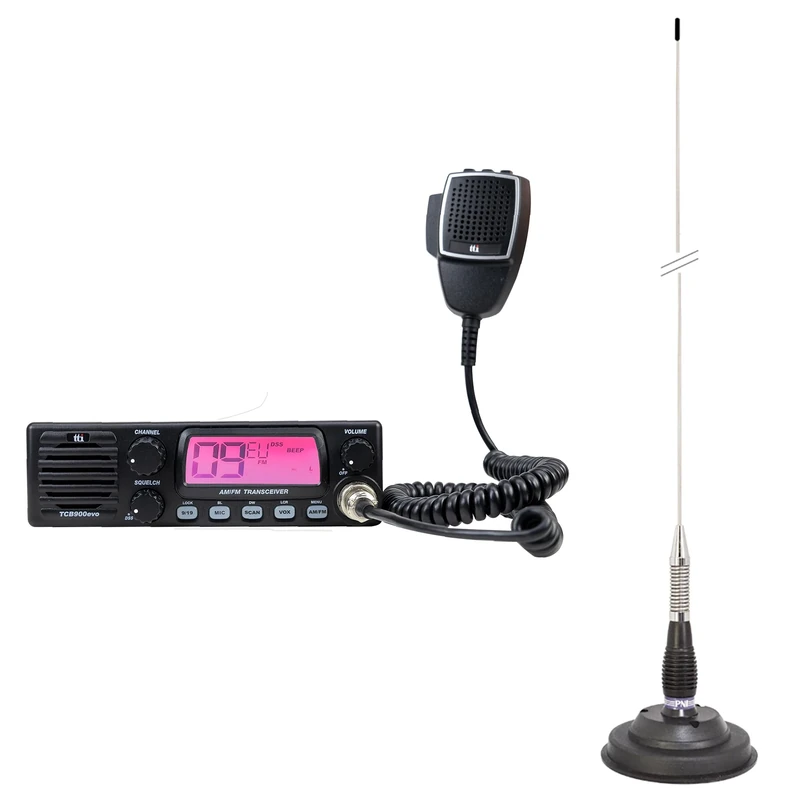
CB TTi TCB-900 EVO radio station + PNI ML100 CB antenna with magnet
PNI
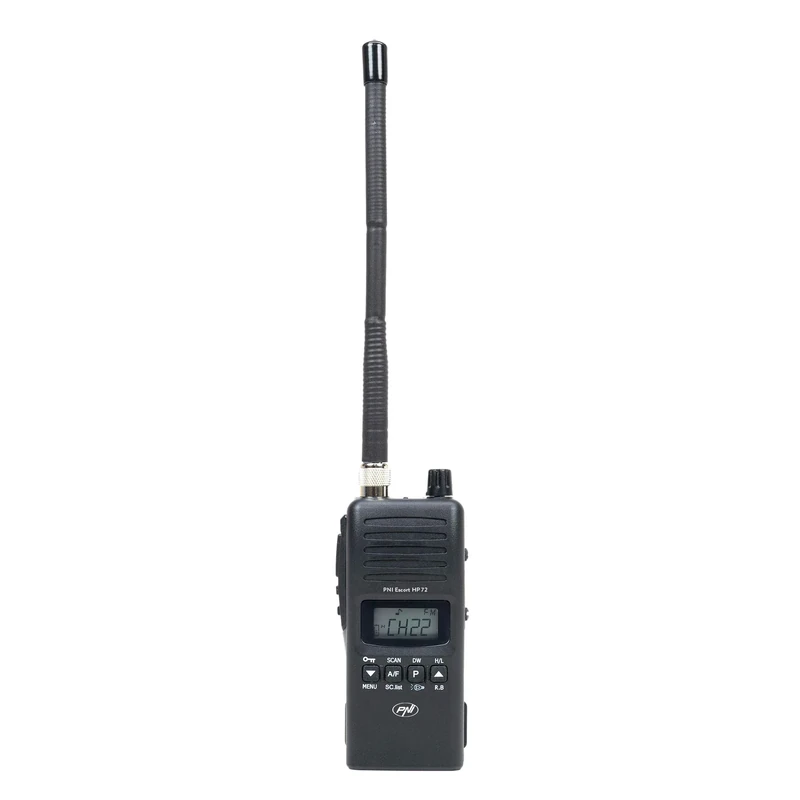
PNI Escort HP 72 Portable CB Radio - 4W AM/FM Station
PNI
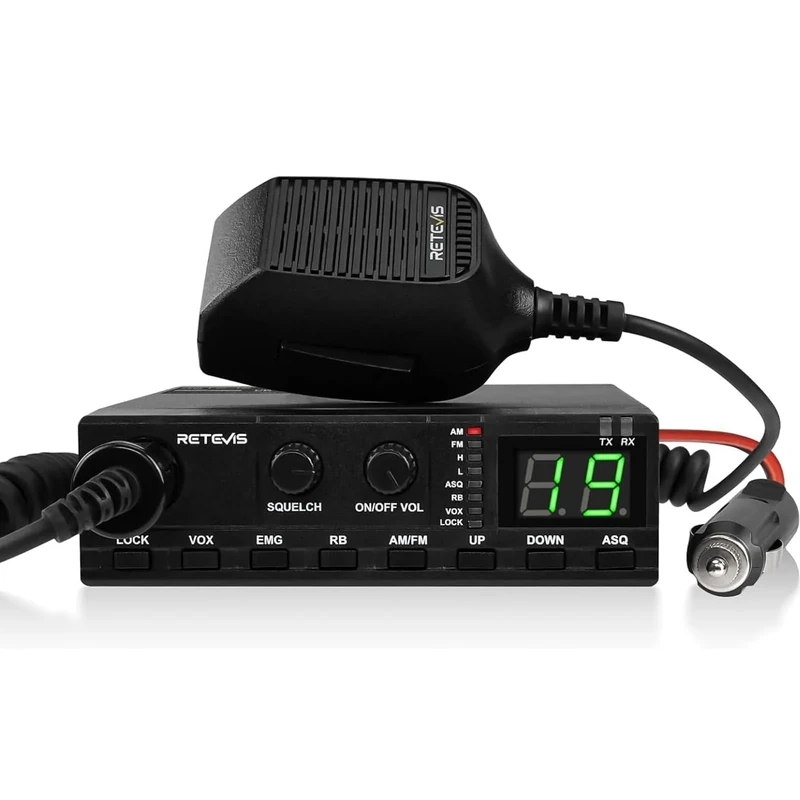
Retevis MB62 CB Radio - AM/FM Mobile Radio for Trucks and Vans
Retevis
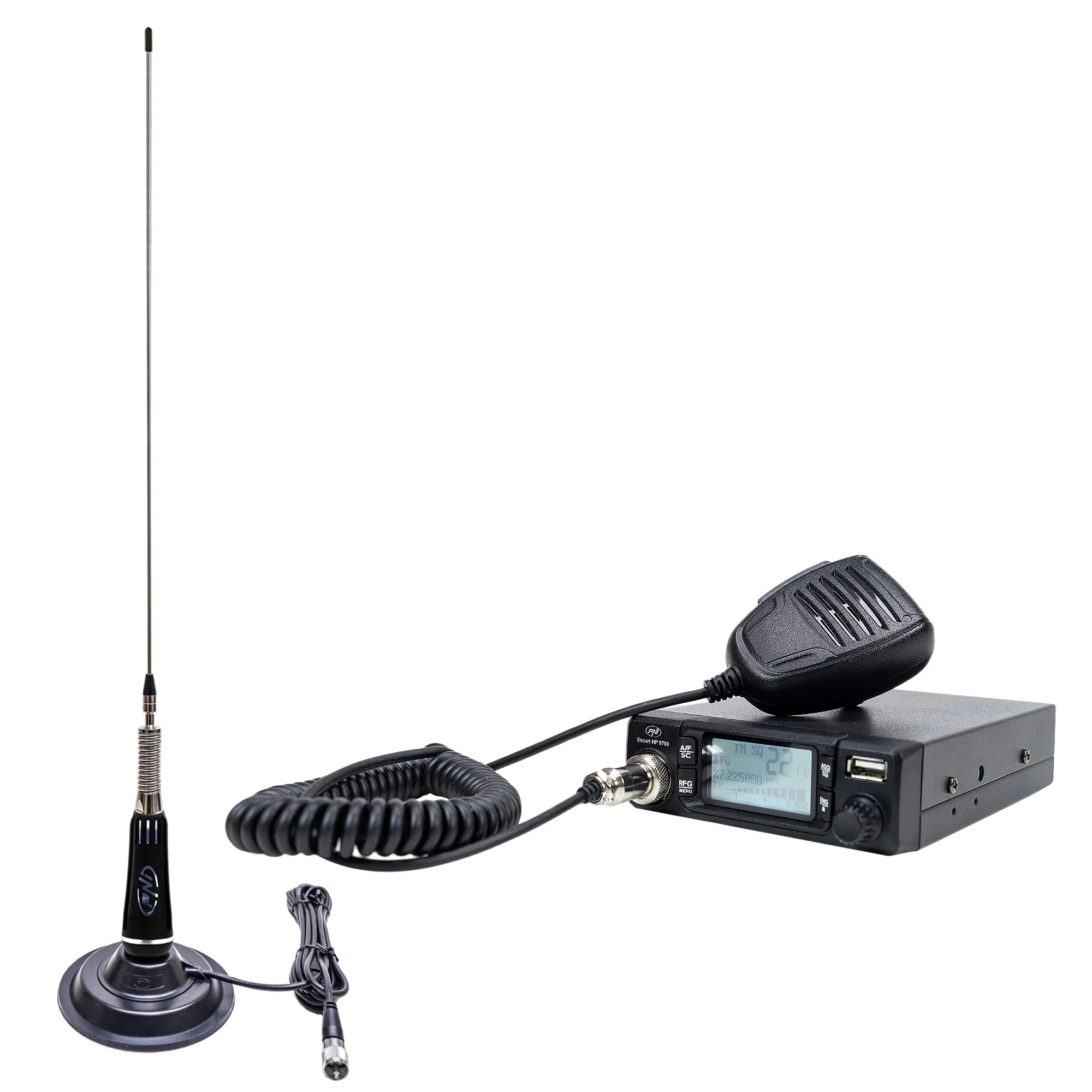
PNI Escort HP 9700 USB CB Radio with LED 2000 Antenna - 12/24V
PNI
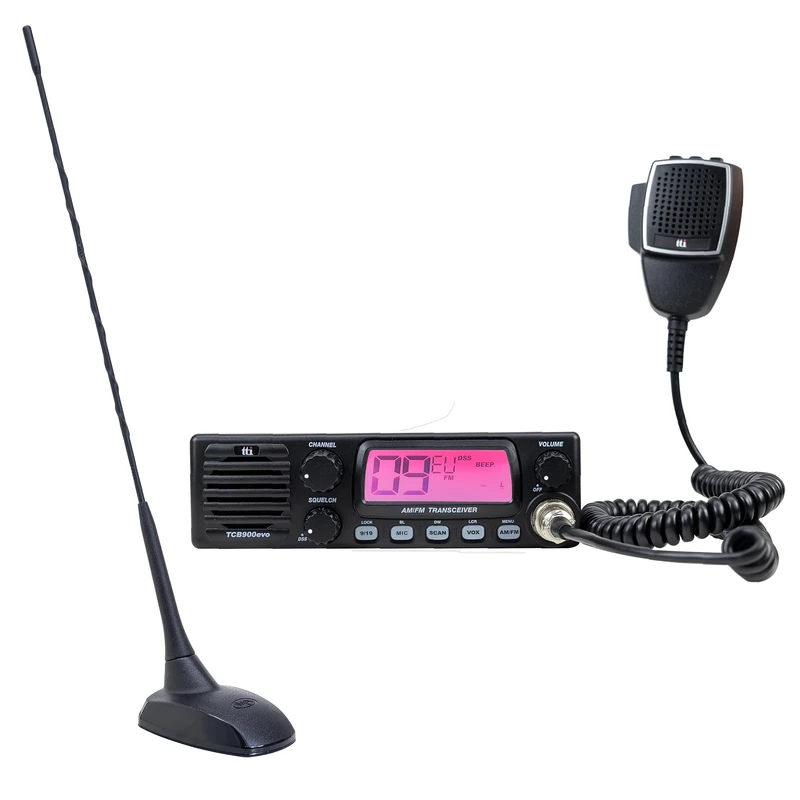
CB radio station TTi TCB-900 EVO + CB antenna PNI Extra 48 with magnet
PNI